Your projects
orbit you.
You're running half a dozen things at once and quietly losing the one that matters most. Orrery turns every project into a planet on your desktop — and keeps your real goal the brightest thing on the screen.
One-time · no subscription · One key, every platform · Instant download
By Wednesday, the urgent
has eaten the important.
You keep a to-do app. You stopped opening it weeks ago. Out of sight, out of mind — that's exactly the problem.
You open the laptop to do the one big thing and close it having done eleven small ones. The goal didn't move. It just went quiet.
Half a dozen things, all half-alive. None of them loud enough to pull you back. So you drift to whatever's blinking.
You don't need another list you'll abandon. You need to see the thing that matters — every time you glance at your screen.
One minute to set up. On for as long as you keep working.
02 / How it worksName it.
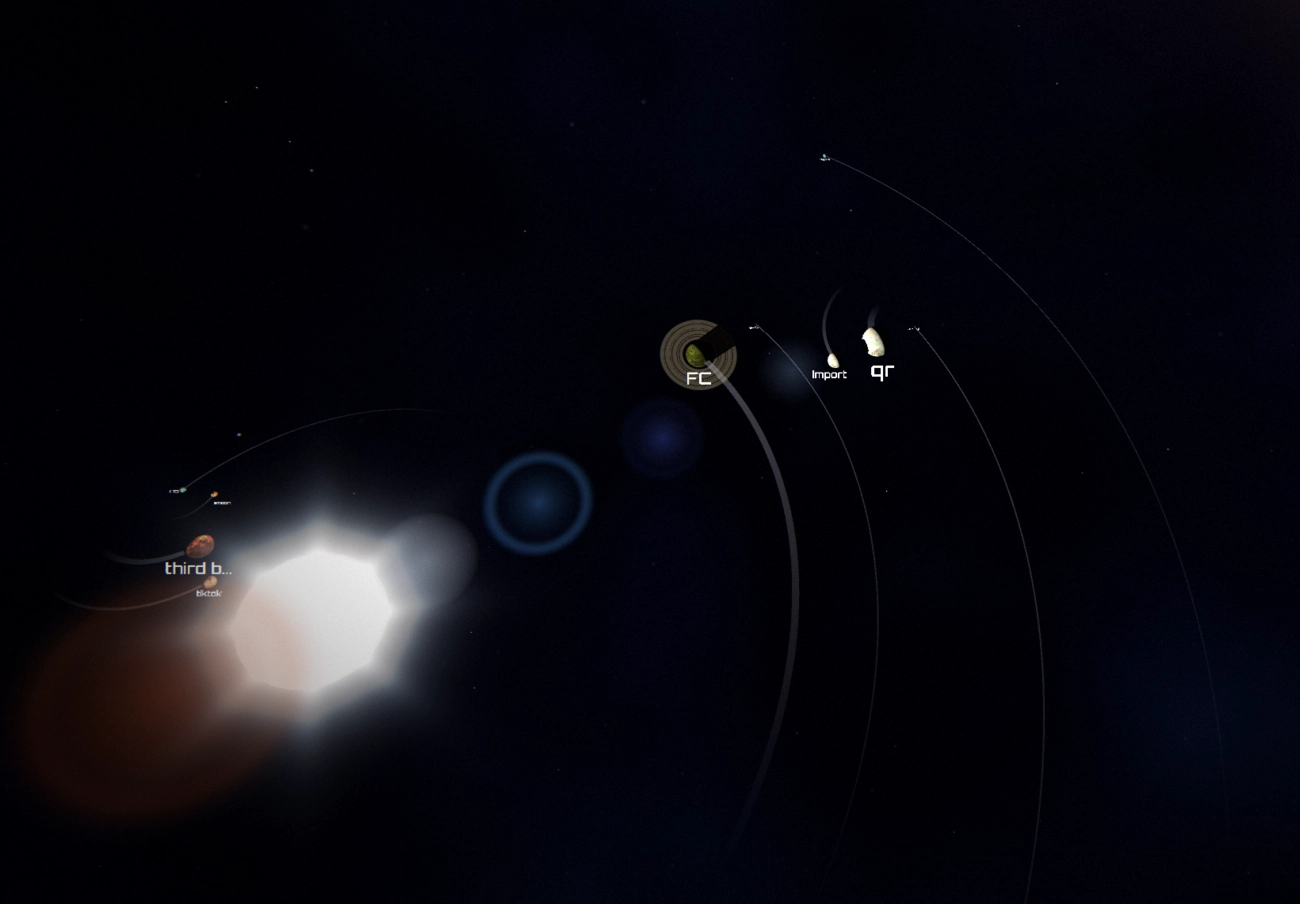
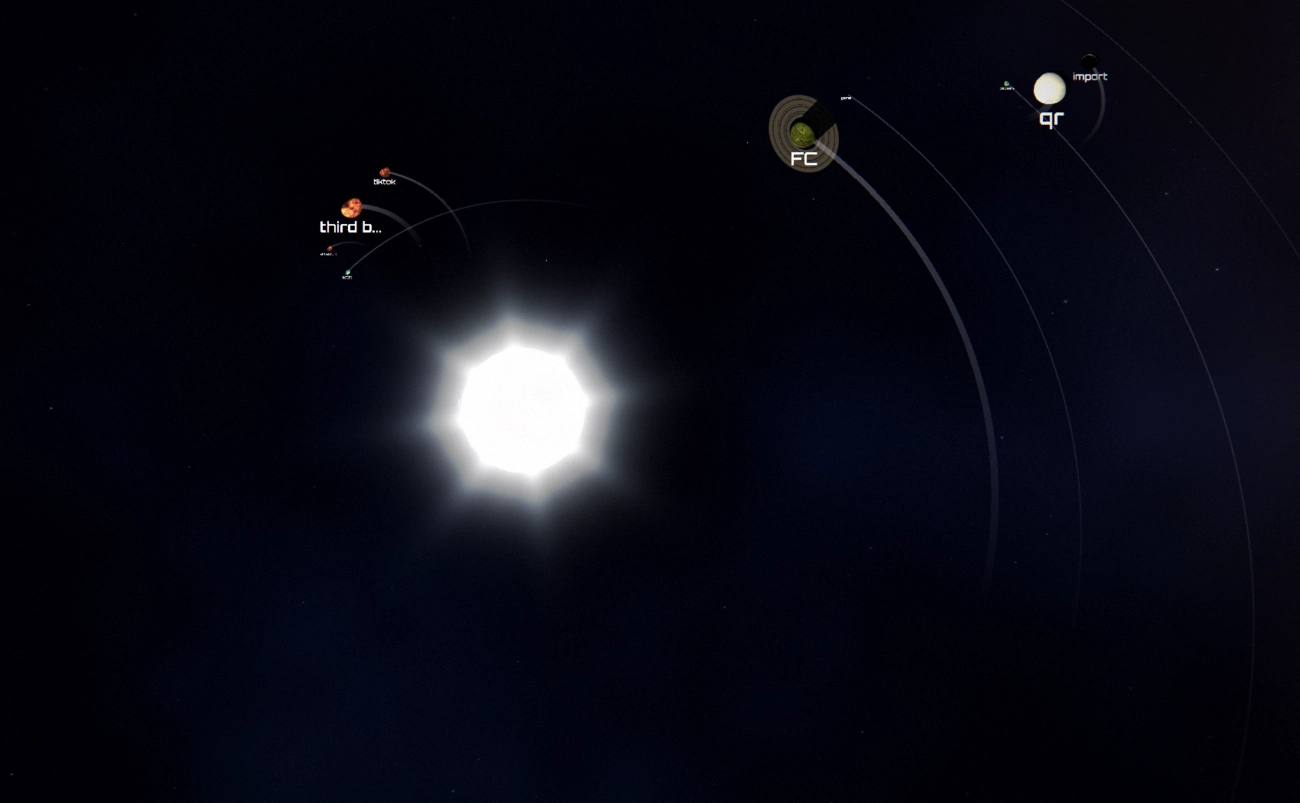
Type what you're working on. Each name becomes a planet. No folders, no integrations, no accounts — just the name.
Size it.
Give each project a weight. Bigger weight, bigger planet, wider orbit. Your one real goal sits at the centre as the sun — the largest thing, always.
The biggest one
wears the rings.
Rings attach themselves to your largest planet — automatically. Nothing to mark, no button to press. Grow a project past the rest and the rings follow it.
It stays out of your way until you want it.
03 / Lives on your desktop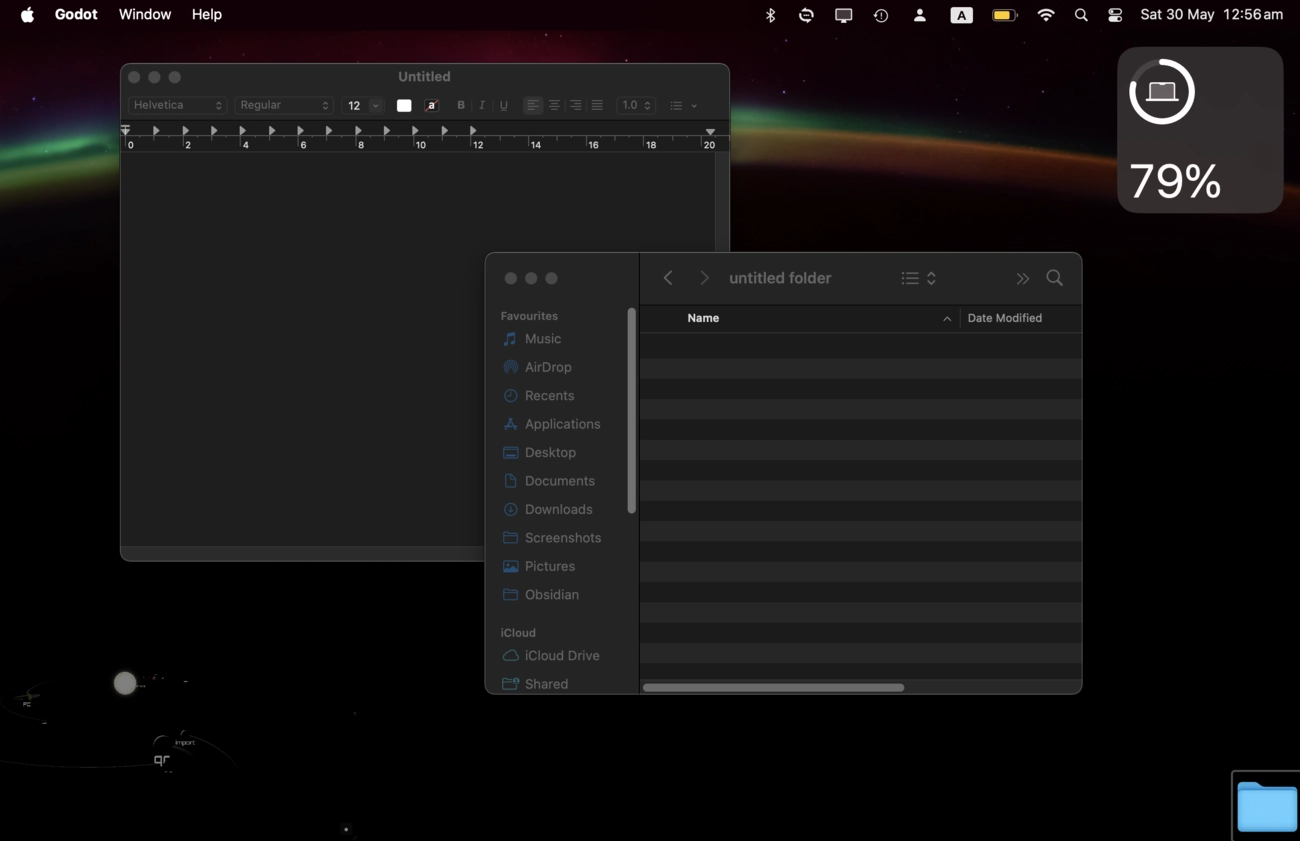
Work normally — click windows, drag files, select anything behind it. The overlay isn't in your way until you hold a key to grab a planet.
It dims to a faint glow when your cursor leaves and brightens the moment you come back — set the idle level anywhere you like. Present, never nagging.
On top, transparent, borderless — it follows you to whatever screen you're on and sips power when idle. You'll forget it's running.
“Another tool I'll pay for forever?”
No. $19.99, once.
You already pay every month for the AI, the editor, the cloud drive, the notes app, and the thing that watches the other things. The last thing your goal needs is another subscription standing between you and it.
So Orrery is $19.99, one time. You buy it, you download it, it lives on your machine — not on a server that can switch off. Every update is free. If the price ever goes up, your copy keeps working anyway.
a note from the maker
Not just for one kind of person. For anyone juggling too much.
— In their wordsI stopped losing my novel under freelance work. It's just there, glowing, every morning.
a writerMy whole company in one glance. The big bet is the sun and I literally cannot ignore it.
a solo founderADHD brain. If I can't see it, it doesn't exist. Now I see it.
a designerBefore you download. The honest answers.
— FAQWill it slow down my computer? +
What if I have 30 projects, not six? +
Do I need to be technical? +
Is it really on Windows and Linux? +
What do I get for $19.99? +
Stop losing the
thing that matters.
One purchase, then it just lives in the corner of your screen — keeping your real goal the brightest thing on it.
- ✓One key, every platformmacOS · Windows · Linux
- ✓Free updates, forever
- ✓Instant downloadActivate in about a minute
- ✓Yours to keepOne-time purchase, no recurring fees